How to see a Magic Eye image
A Magic Eye stereogram hides a three-dimensional picture inside a repeating pattern. Relax your eyes and look through the image to let the hidden shape appear.
Try relaxed, parallel viewing
Start with a simple picture
Use the viewing practice in the creator. Keep the whole image visible and choose a comfortable screen size.
Look through the pattern
Imagine looking at something beyond the screen. Let the pattern soften instead of studying its tiny details.
Use the guide dots
When there are two dots above the image, relax your focus until you see three. Try to keep the middle dot steady.
Give the hidden image a moment
Keep the relaxed view while the picture takes shape. If it does not work right away, take a break and try a simpler practice image.
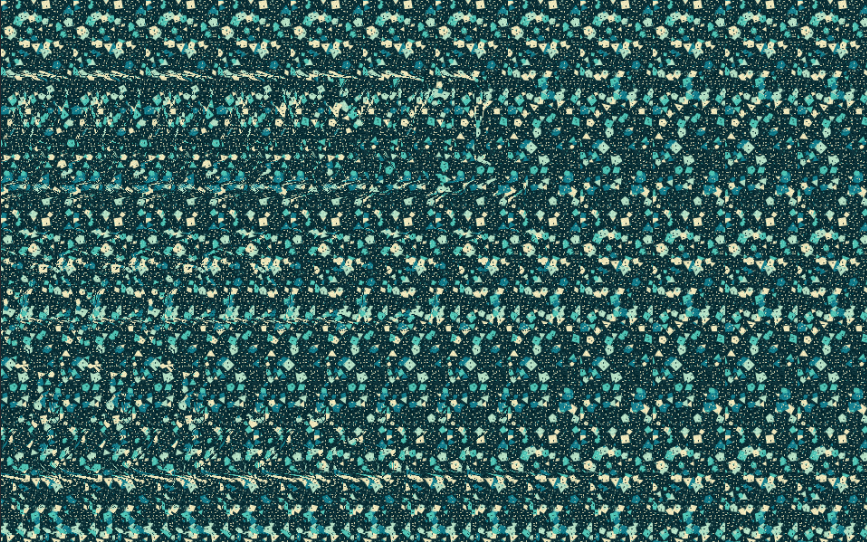
Make your own stereogram in three steps
Add a subject
Enter a name or message, choose one of 50 recognizable shapes, or open Advanced features to upload a photo.
Choose a texture and colors
Try one of 18 patterns and pick a color palette. Start with a pattern marked “Start here” if you are new to viewing stereograms.
View, export, and share
Check the depth map or 3D relief preview, then save the finished Magic Eye image as a PNG.
Common questions
What is an autostereogram?
An autostereogram is one image that creates an impression of depth using repeated visual details. Magic Eye images are a familiar example.
Can I hide my name in 3D?
Yes. The creator supports text, different fonts, bevels, and 3D extrusion. You can combine your words with a shape or photo.
Do my photos leave my device?
The app processes your photo in your browser. Its photo-depth feature downloads an open-source model on first use; it does not upload your picture to an inference server.
Do I need an account?
No account is required to create and export an image.